Find any image you've saved by describing it.
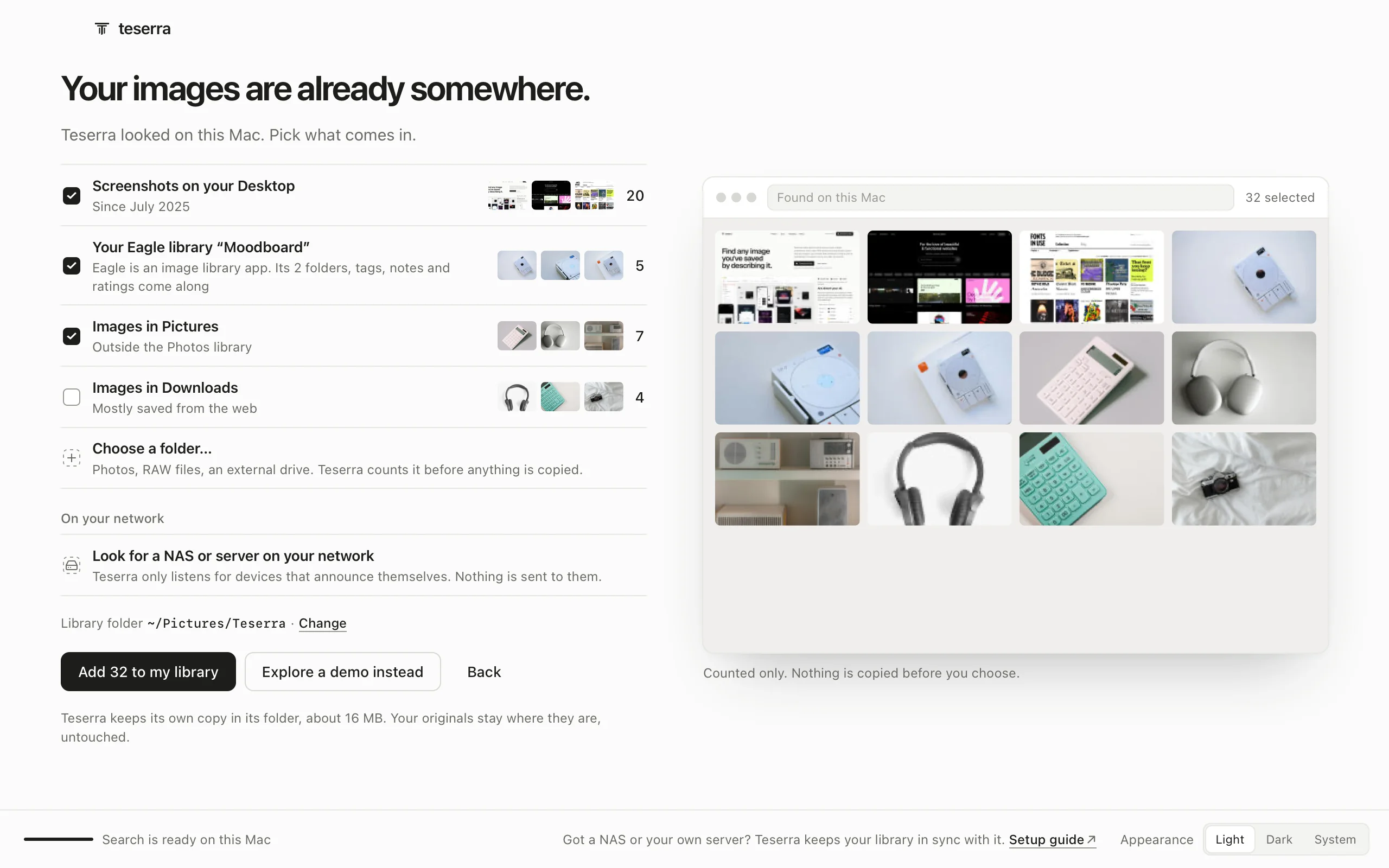
Teserra is a Mac app for everything you save: images, screenshots, fonts, video, RAW photos, links and articles. Option-click any image in your browser (free extension) to keep it with its web address. The search runs on your Mac. No account.
14-day free trial, then $29 once · Apple silicon, macOS 12+
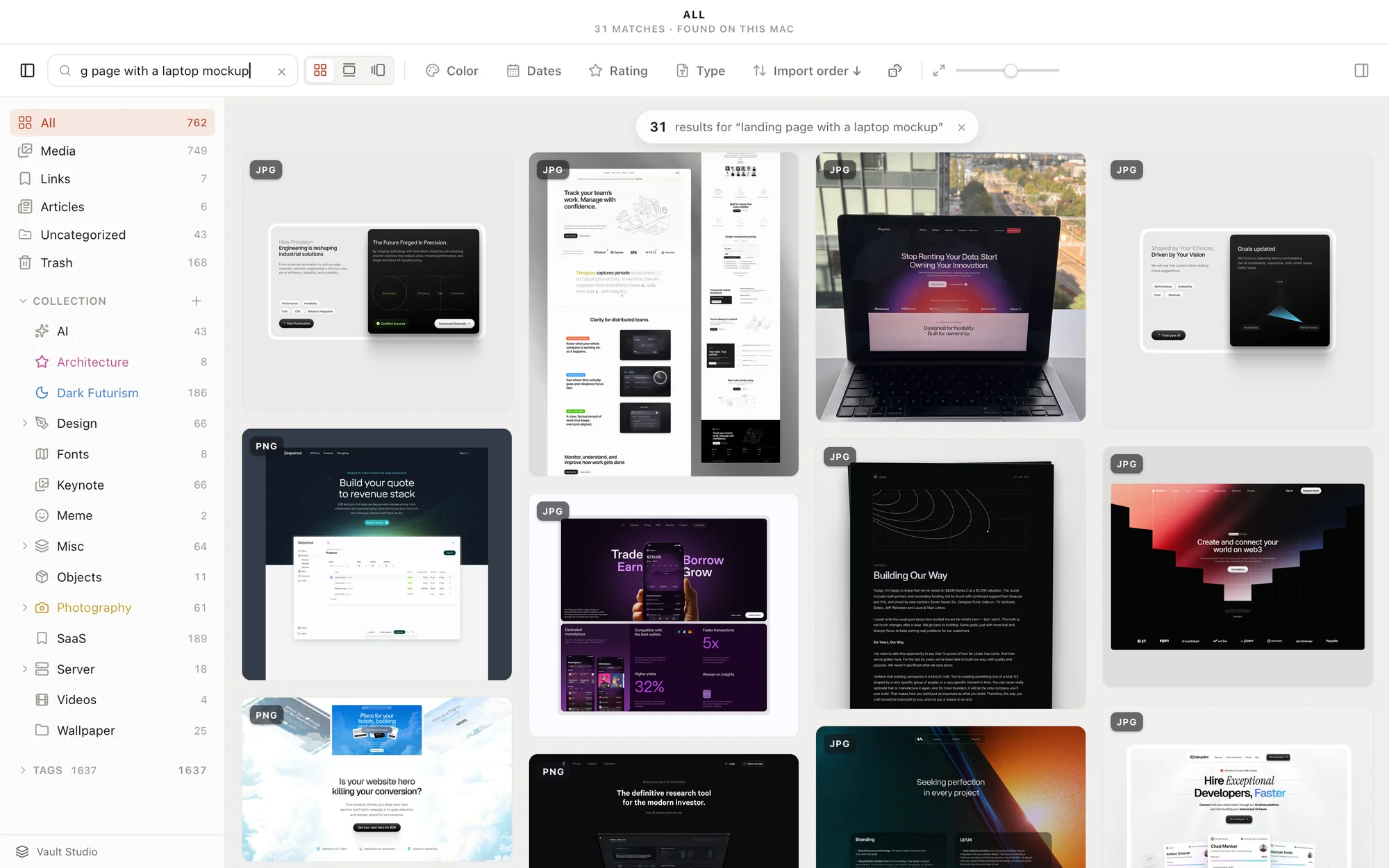
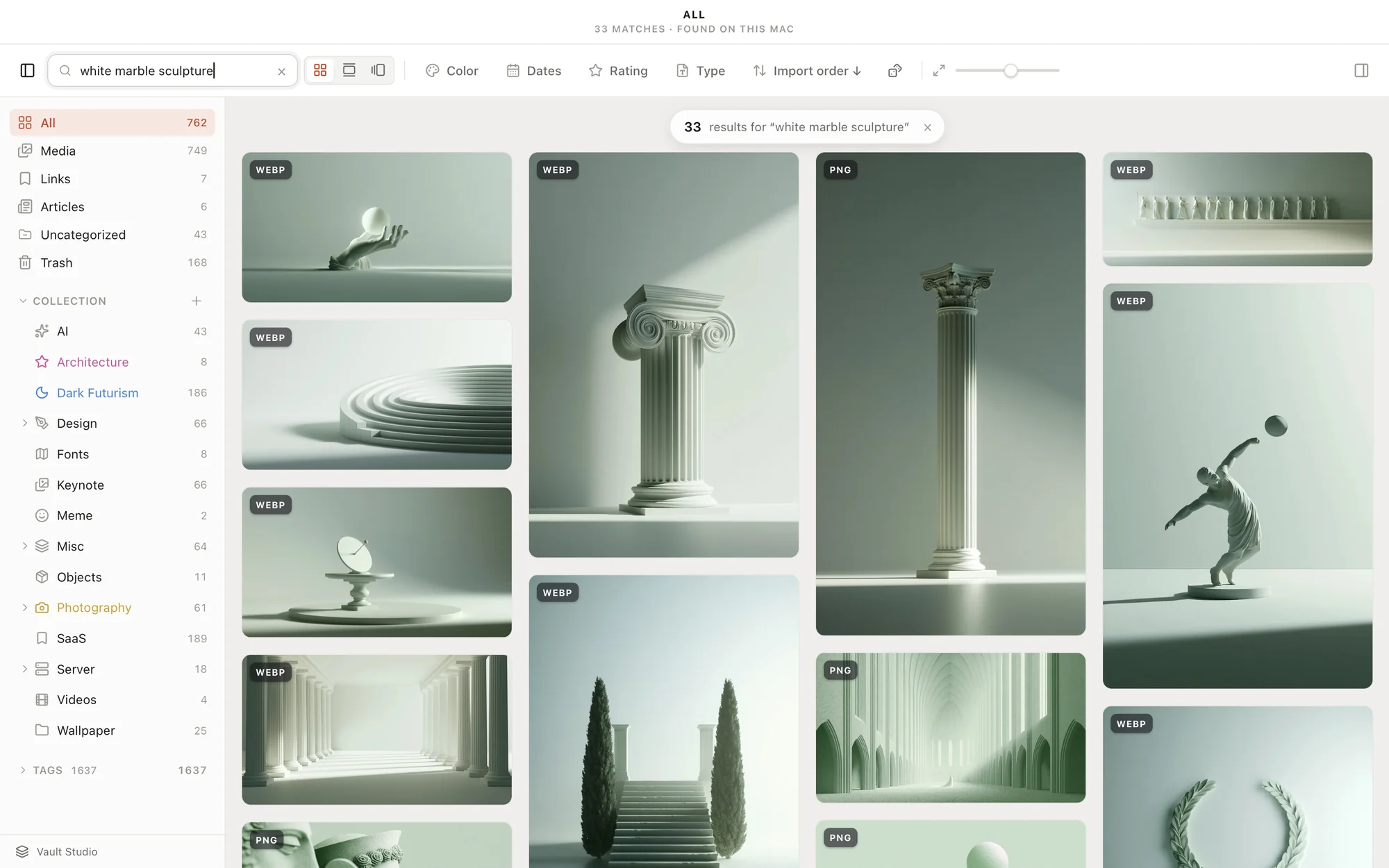

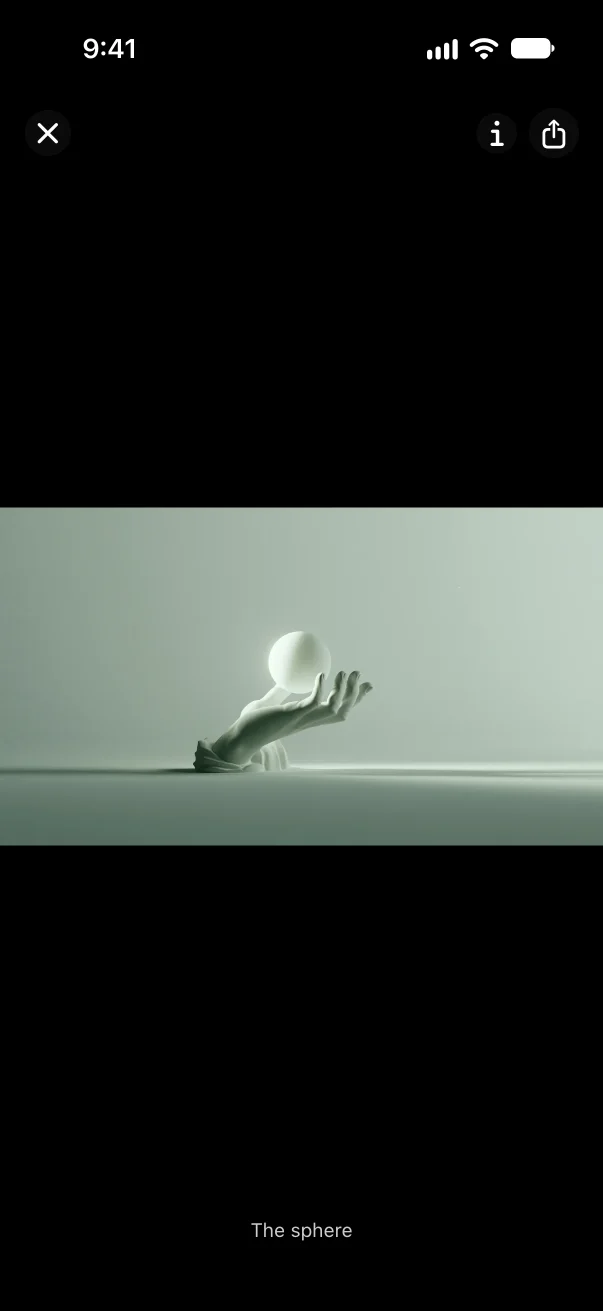
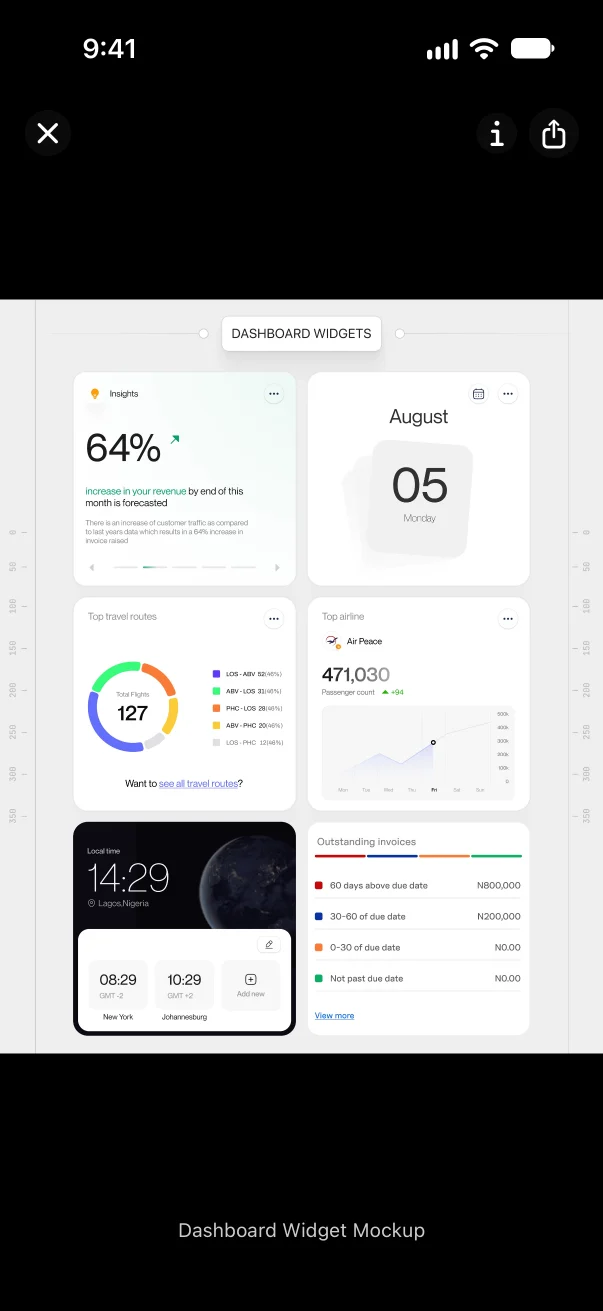

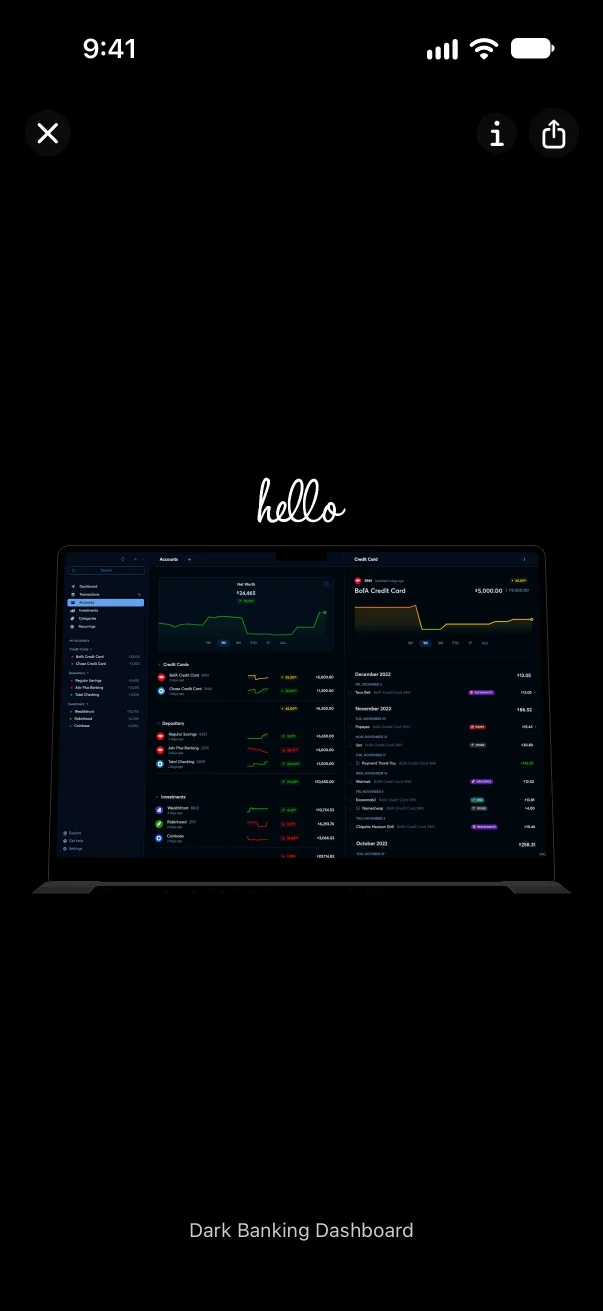
Pick three images, and Teserra finds the others in your library with the same colours and mood.
Your files stay normal folders, readable without the app.
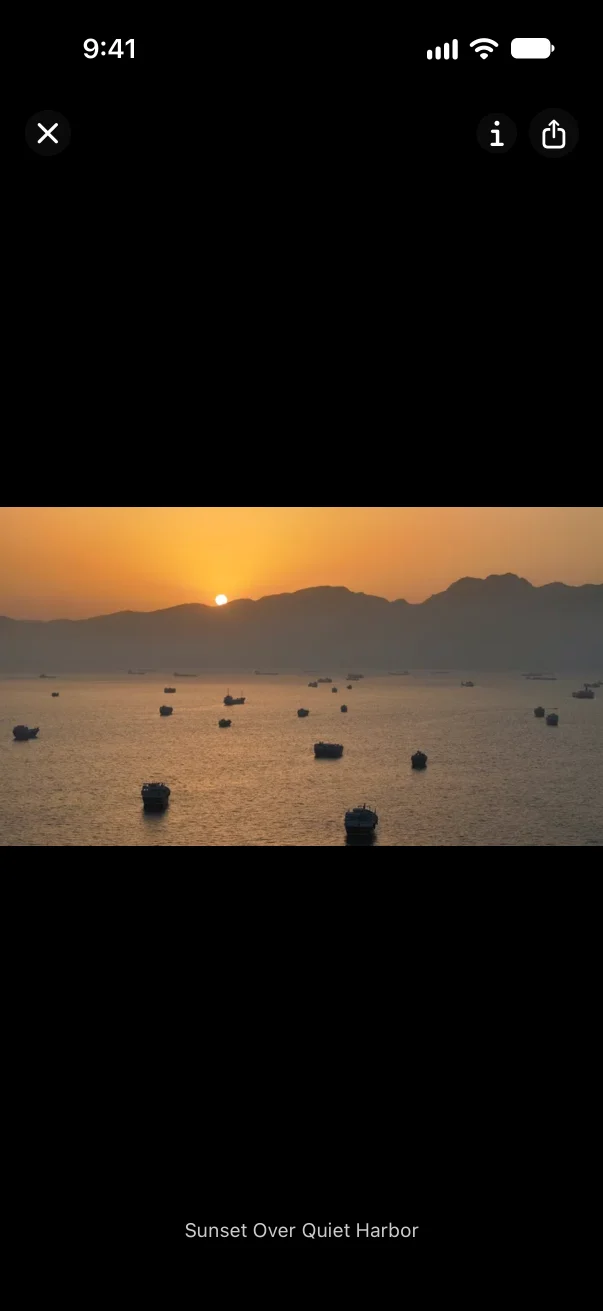
On your iPhone too, in public beta: save from any app, browse your library anywhere.
Your images are already somewhere.
One step brings them in from where they are now, and the old place keeps its copy.
- An Eagle library
- Point Teserra at the .library folder: folders, tags, notes and palettes come along. Images only for now.
- Pinterest boards
- Option-click the pins you want as you browse (free extension). Each one keeps its web address.
- A Desktop full of screenshots
- File → Import Folder…, or drop the folder on the grid. For the next ones, ⌘⇧M.
- Screenshots in Notion pages
- Option-click them in your browser, or drag them onto the grid.
- Screenshots on your iPhone
- Share them from any app to Teserra for iPhone (public beta): they land in your library on the Mac. With iCloud Drive, nothing to set up.
- A photo archive
- Import Folder… reads RAW from most cameras. At fifty thousand items, the grid opens in 2.4 seconds.
- Your installed fonts
- Import Installed Fonts turns them into specimens you can browse next to your images.
Starting from nothing? Where to find pictures worth keeping, by what you make.
See it work.
Filmed in the app, on a real library. One feature at a time.
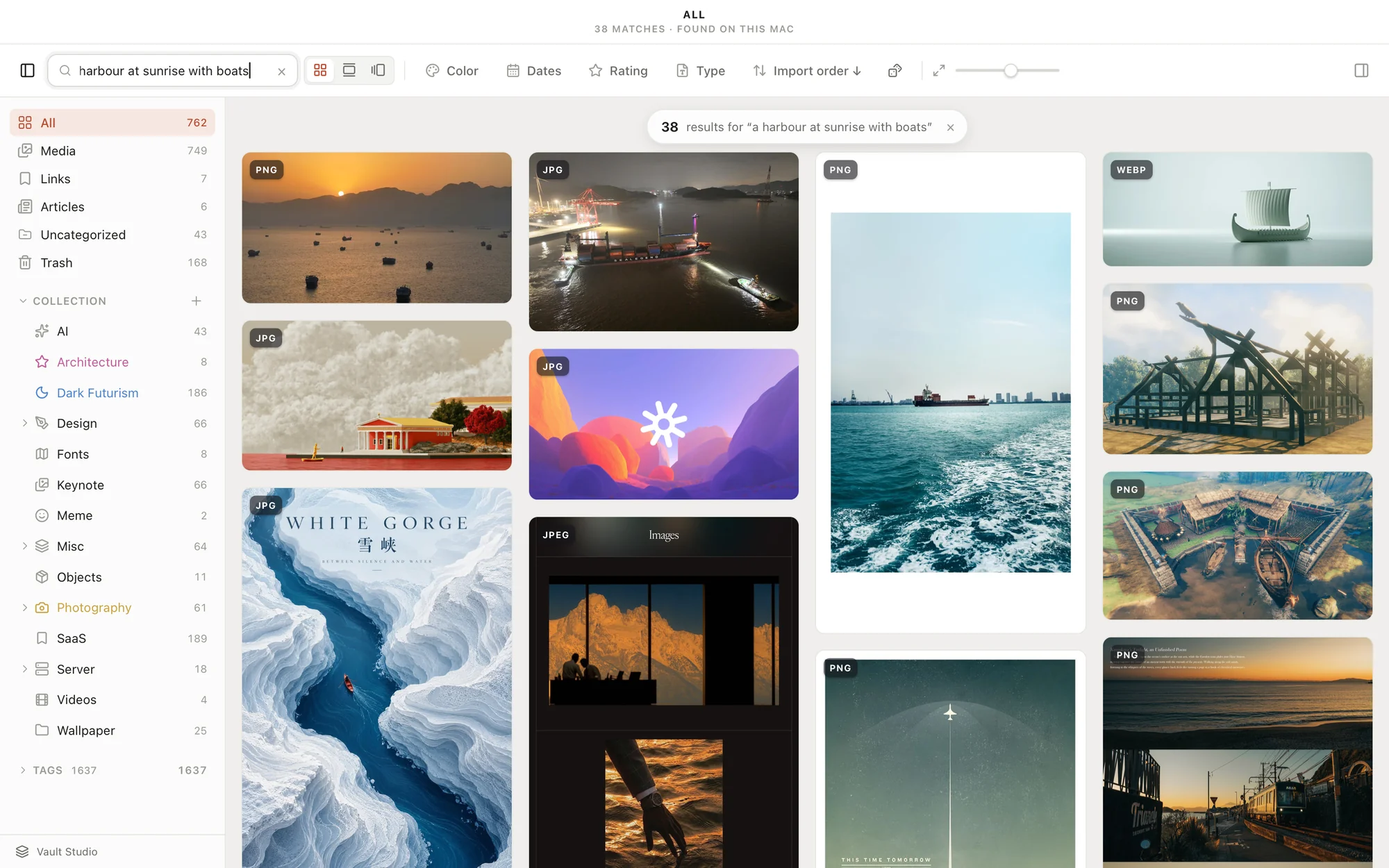
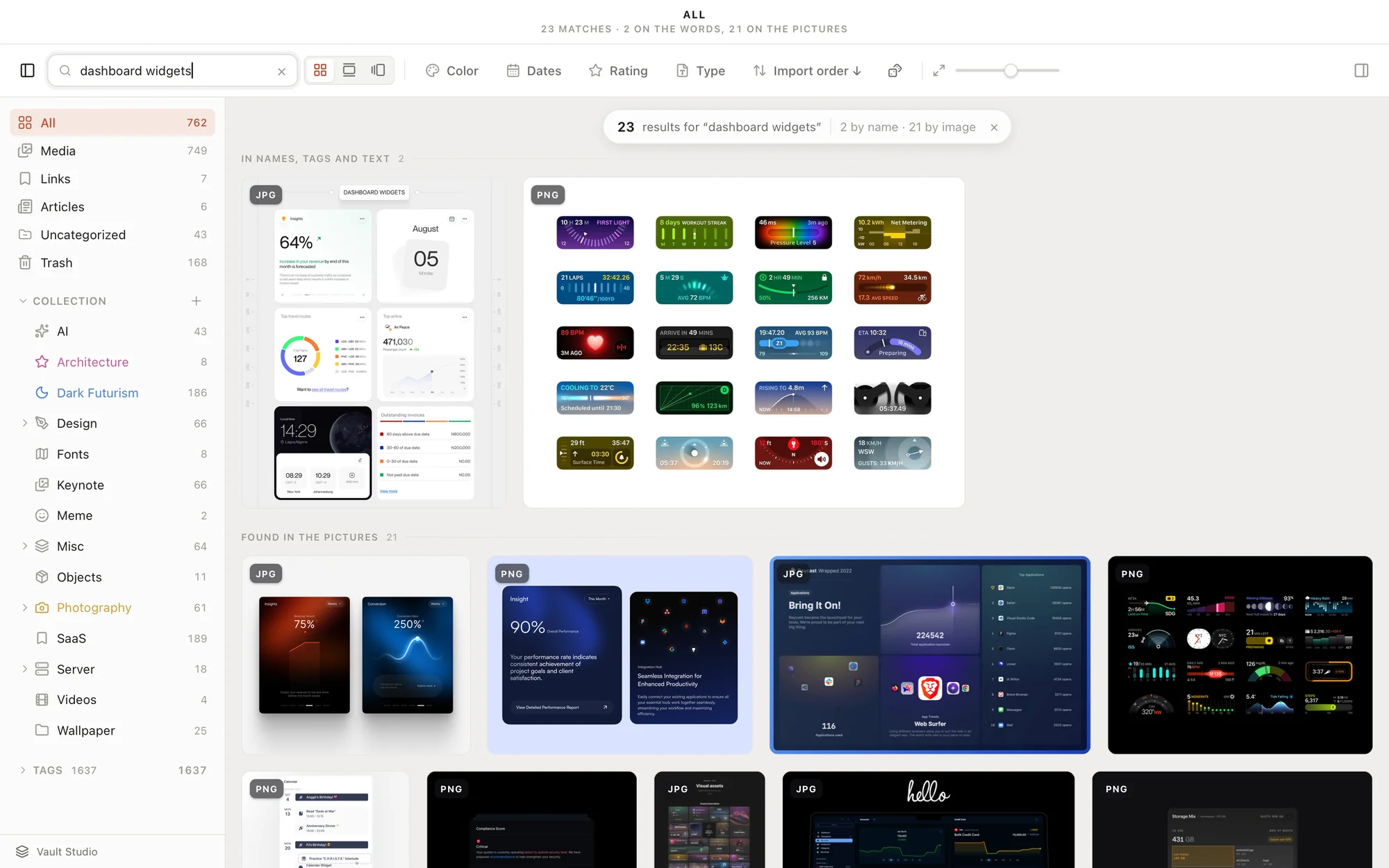
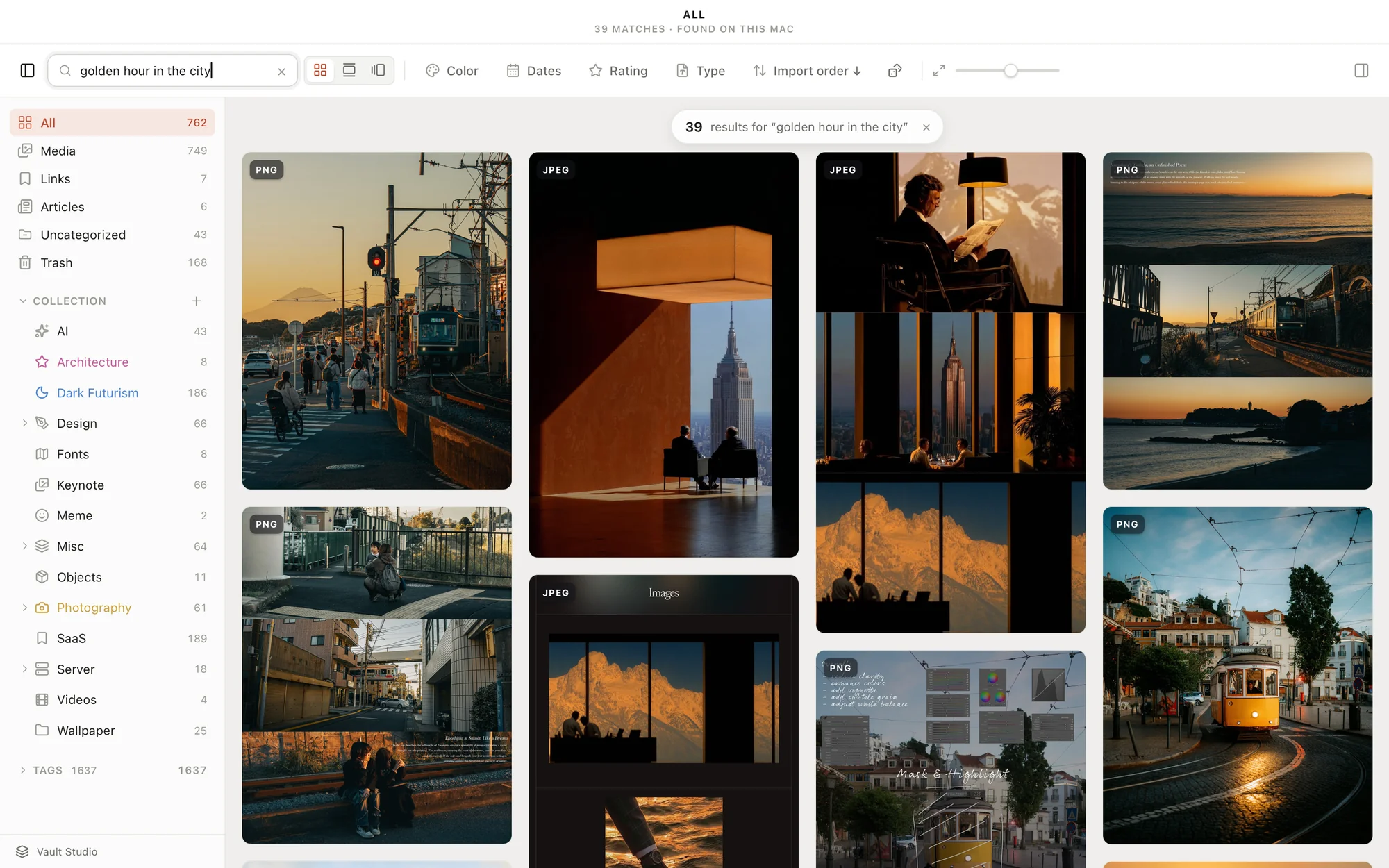
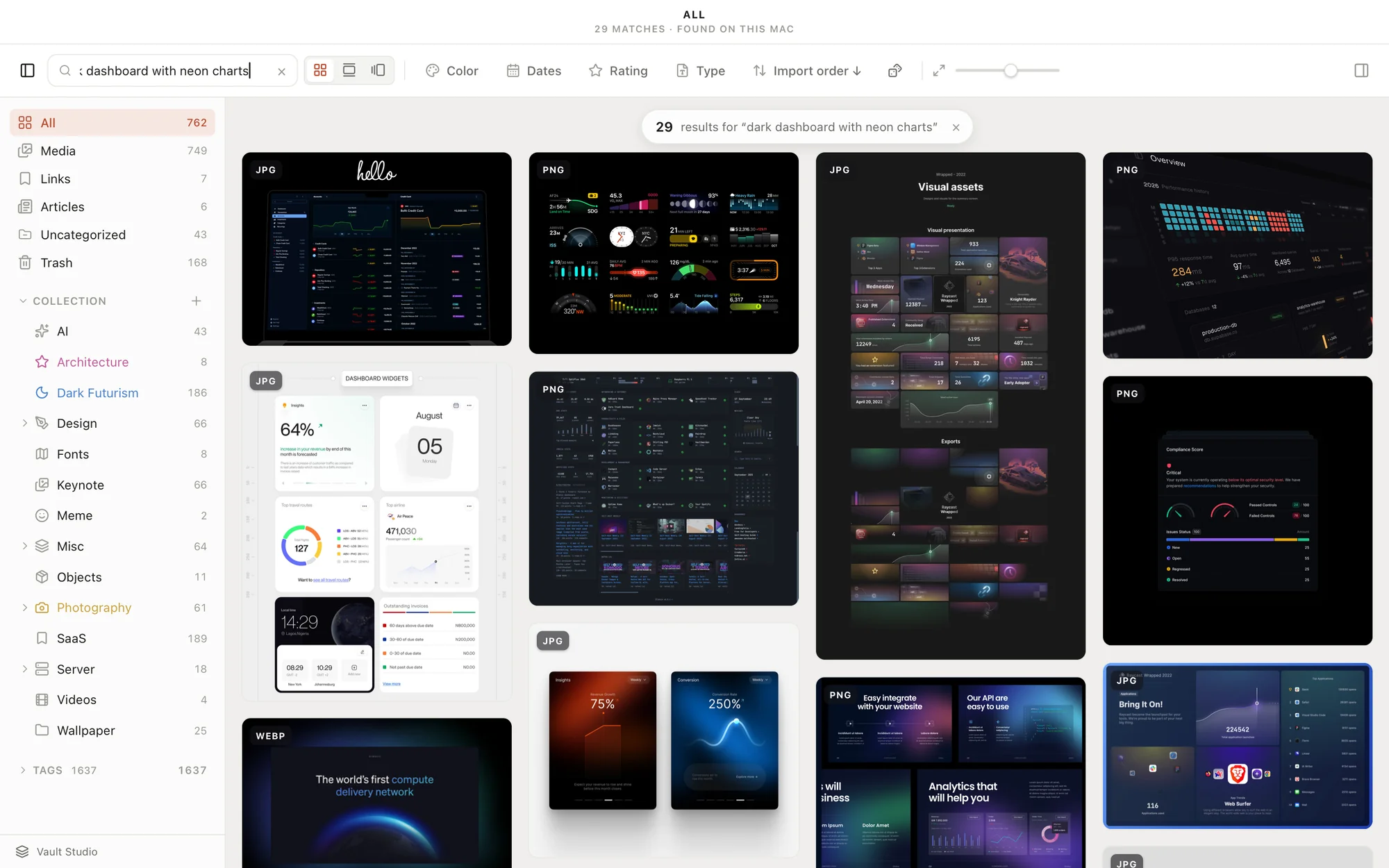
Type what you remember, “warm light on a white wall”, and the pictures that match come up. The search runs on your Mac.
Everything you save, in folders you own.
Images, screenshots, fonts, video, RAW photos, links and articles, in one native Mac app. Everything in the library · Next to Eagle, Atlas and mymind
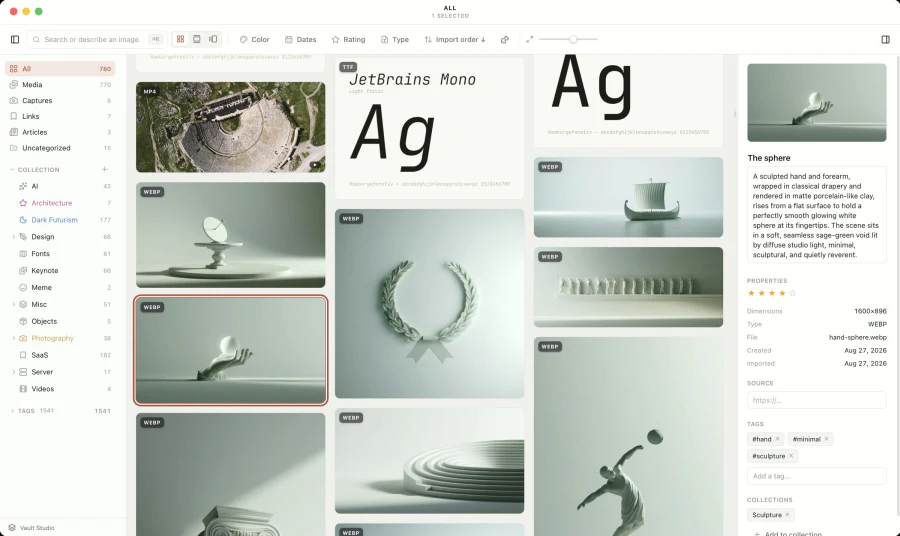
Collect
Option-click any image or video in your browser (free extension). ⌘⇧M for an area or a window. Save links and articles. Paste, drag, or bring your Eagle images over.
Organize
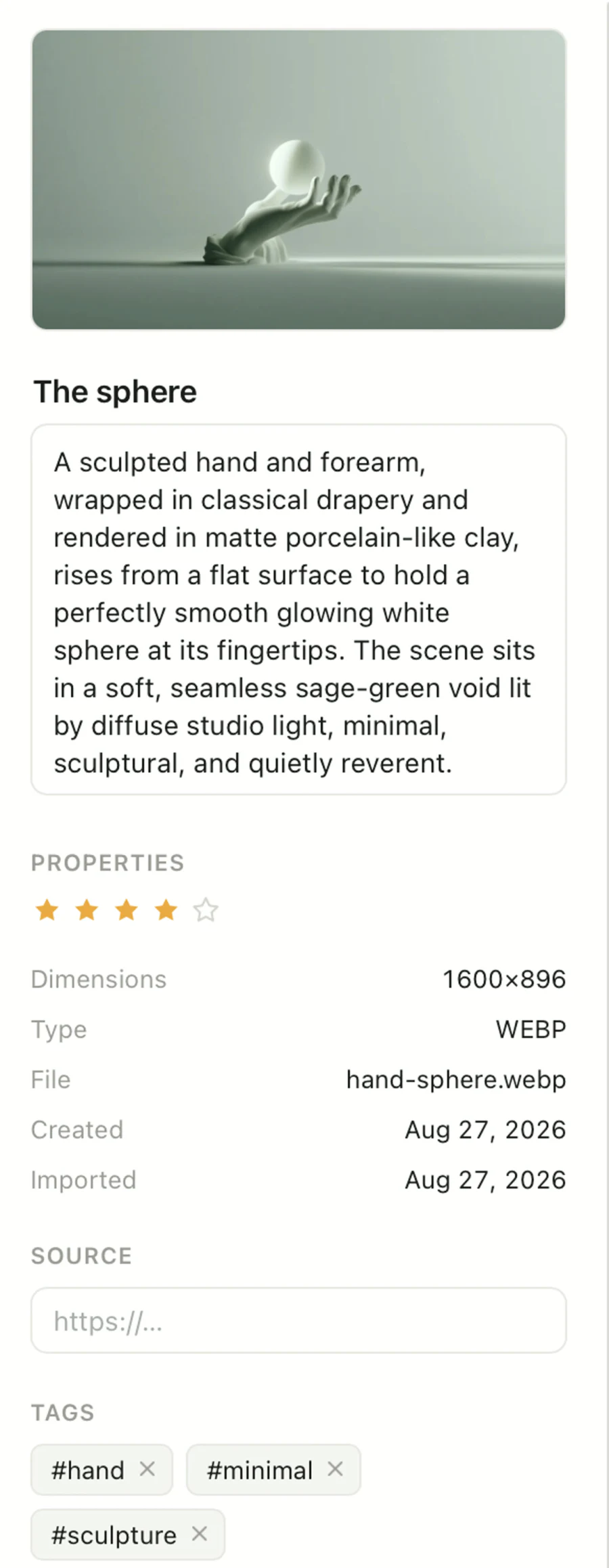
Collections, tags, notes, stars. Tag fifty images at once.

Find
Describe what you remember, “a harbour at sunrise”, or search by colour, by date, by lookalike.
Look
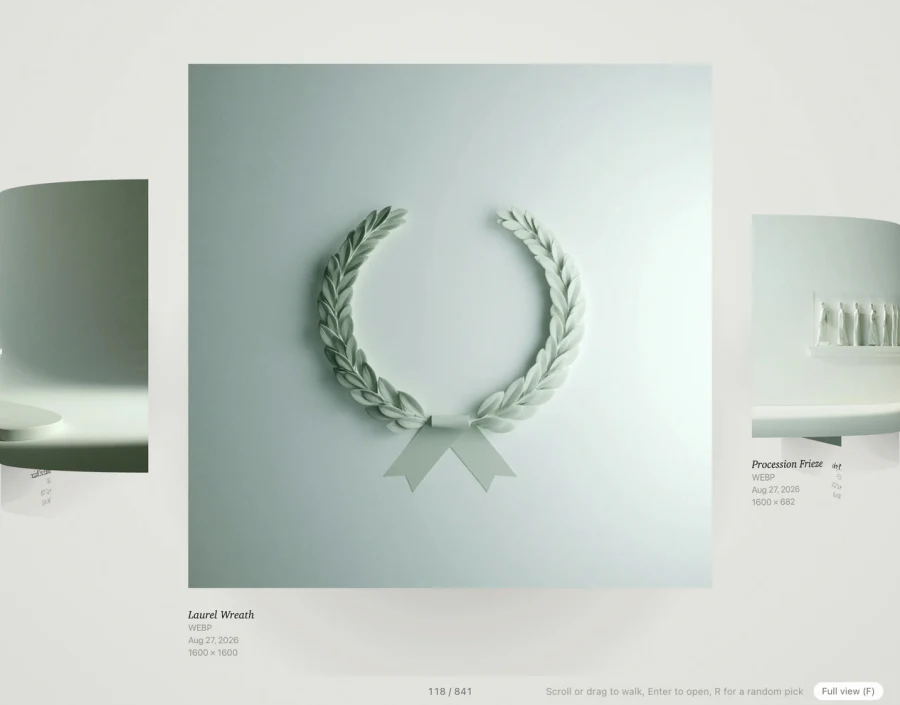
Grid, Timeline and Wall. Fonts as specimens, video, RAW, PDF, SVG.
Own
A library is a folder. Each image keeps a small text note beside it. Fifty thousand items, grid on screen in 2.4 seconds.
One payment, yours for good.
One payment, three Macs, every update of the current major version. No account, no subscription.
32 releases since 14 June 2026, the latest on 2 November 2026. Updates are free within the current major version.
Do my images leave my Mac?
Only if you turn on the Curator. Your library is a folder on your disk, and with Visual search installed (a 300 MB model, downloaded once) the search runs on your Mac. The Curator, the optional part that writes titles, descriptions and tags, sends a small copy of each image it catalogs to the AI provider you chose, under your own key, and while that key is saved, the text Teserra keeps about your items goes to the same provider for search. Teserra itself checks for updates and for your license, with anonymous usage counts you can turn off. Saving a link fetches that page.
Do I need an API key?
No. A key is only for the Curator, the optional part that writes titles, descriptions and tags for you, with the provider you choose. Search, the browser extension and everything else work without one.
What happens if Teserra disappears?
Nothing happens to your library. Every original is an ordinary file, and every title, tag and collection sits in a small text file next to it. Open the folder in the Finder, read it in ten years, import it anywhere. That is the whole point of the format.
I use Eagle. Can I switch?
Yes, for your images. Point Teserra at your .library folder: folders become collections, tags stay tags, notes and palettes come along, and your images are copied into a folder you own. Videos, PDFs, SVGs and fonts stay in Eagle for now. Eagle keeps working meanwhile. Switching from Eagle
What does $29 include, and what does it not?
One payment, three Macs, every update of the current major version, no account, no subscription. A future major version may be a paid upgrade, announced in advance. Fourteen days to try everything first.
How big can a library get?
We measure it. At fifty thousand items the grid opens in 2.4 seconds warm, scrolls at a steady 33 milliseconds per screen, and sits at 246 MB of memory. The numbers and the method
Which Macs?
Apple silicon, macOS 12 and later. Intel Macs and Windows are not supported. The app is signed and notarized by Apple, and updates itself from inside.
Does Teserra make images?
No. It keeps the ones you save and finds them again. If you build with Claude Code, Cursor or Codex, you can also let them read your library, which is optional and off by default. How that works